

A Facebook Ads Manager guide is essential for businesses and marketers aiming to run effective social media advertising campaigns. As digital advertising evolves in 2026, Facebook Ads Manager remains one of the most widely used platforms for creating, managing, and analyzing paid campaigns across Facebook, Instagram, and partner networks. This article explains how the platform …
Facebook Ads Manager Guide: Features, Setup, and Strategy in 2026
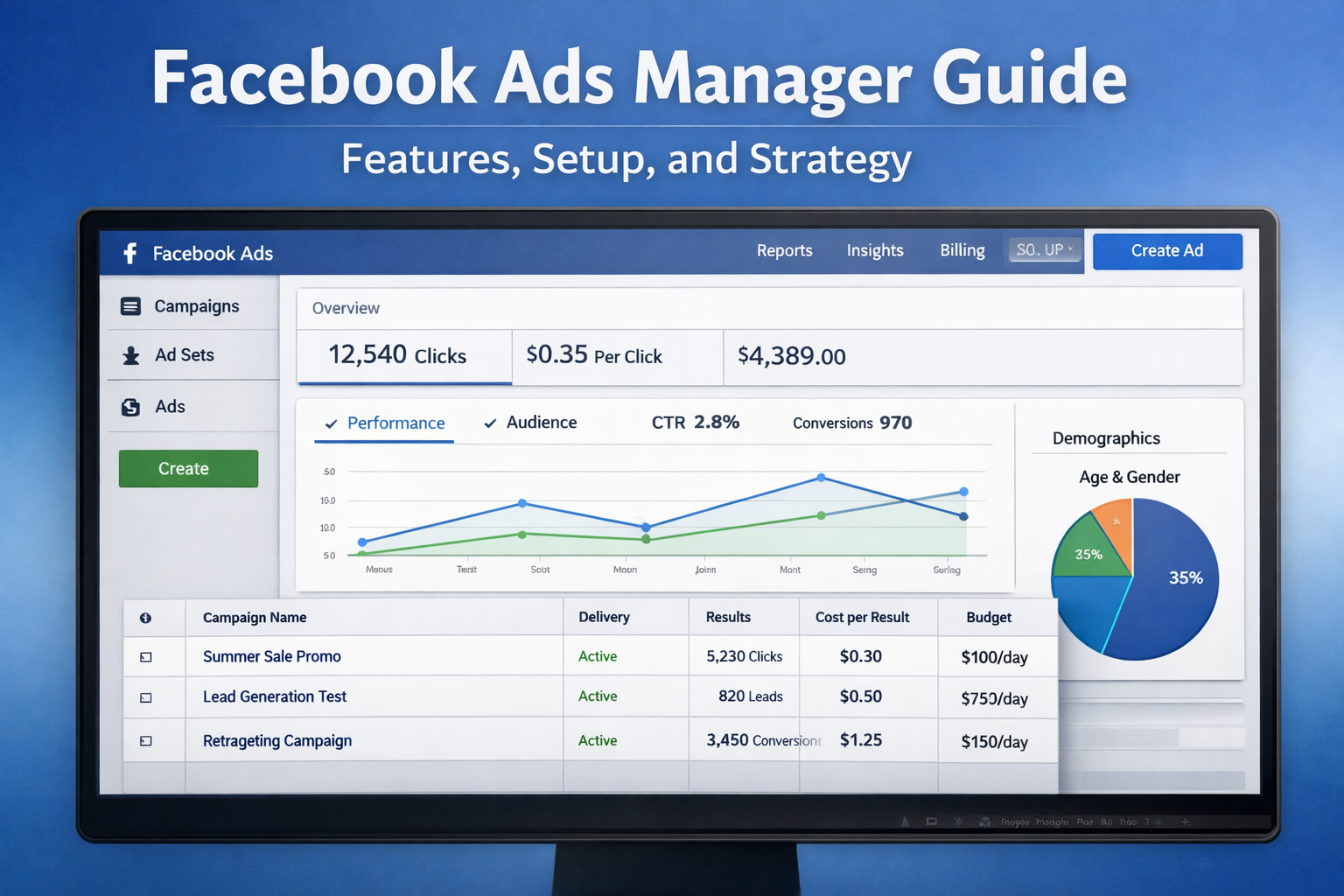
A Facebook Ads Manager guide is essential for businesses and marketers aiming to run effective social media advertising campaigns. As digital advertising evolves in 2026, Facebook Ads Manager remains one of the most widely used platforms for creating, managing, and analyzing paid campaigns across Facebook, Instagram, and partner networks.
This article explains how the platform works, its key features, and how users can set up and optimize campaigns for better performance.
What Is Facebook Ads Manager?
Facebook Ads Manager is a centralized tool used to create, manage, and track paid advertising campaigns. It allows advertisers to control every aspect of their campaigns, including audience targeting, budgeting, placements, and performance tracking.
The platform supports multiple campaign objectives such as:
- Brand awareness
- Traffic generation
- Lead generation
- Conversions and sales
- App installs
It also integrates with Facebook Pixel and analytics tools to provide detailed performance insights.
Key Features in Facebook Ads Manager Guide
Campaign Structure and Hierarchy
Facebook Ads Manager follows a three-level structure:
- Campaign level – Defines the objective
- Ad set level – Controls audience, budget, and placements
- Ad level – Contains creatives like images, videos, and copy
This structure helps advertisers organize and optimize campaigns efficiently.
Advanced Audience Targeting
The platform enables precise audience segmentation using:
- Demographics (age, gender, location)
- Interests and behaviors
- Custom audiences (website visitors, customer lists)
- Lookalike audiences based on existing users
This targeting capability allows businesses to reach highly relevant users.
Budgeting and Bidding Options
Advertisers can choose between:
- Daily or lifetime budgets
- Automatic or manual bidding strategies
- Cost control options for better ROI
These tools help manage advertising costs while maximizing results.
Facebook Ads Manager Guide: How to Set Up a Campaign
Step-by-Step Setup Process
- Select Campaign Objective
Choose a goal aligned with your business needs. - Define Target Audience
Use filters such as location, interests, and behavior. - Set Budget and Schedule
Decide how much to spend and campaign duration. - Choose Ad Placements
Automatic placements or manual selection across platforms. - Create Ad Creative
Upload visuals, write copy, and add call-to-action buttons. - Publish and Monitor
Launch the campaign and track performance metrics.
Performance Tracking and Analytics
Facebook Ads Manager provides detailed insights such as:
- Impressions and reach
- Click-through rate (CTR)
- Cost per click (CPC)
- Conversion rate
These metrics help advertisers refine strategies and improve campaign outcomes.
Best Practices for Using Facebook Ads Manager
Optimize for Better Results
To improve performance:
- Test multiple ad creatives (A/B testing)
- Use clear and concise messaging
- Monitor frequency to avoid ad fatigue
- Retarget users who have interacted with your brand
Common Mistakes to Avoid
- Targeting too broad or too narrow audiences
- Ignoring analytics data
- Using low-quality visuals
- Setting unrealistic budgets
Avoiding these mistakes can significantly enhance campaign effectiveness.
What This Means
Facebook Ads Manager continues to play a critical role in digital marketing strategies. Its advanced targeting, flexible budgeting, and detailed analytics make it suitable for both small businesses and large enterprises.
Understanding how to use the platform effectively can lead to improved audience engagement, higher conversions, and better return on investment.
Key Takeaways
- Facebook Ads Manager is a powerful tool for social media advertising
- It offers detailed targeting and performance tracking
- Campaign structure includes campaign, ad set, and ad levels
- Strategic setup and optimization are essential for success
- Data-driven decisions improve advertising outcomes
FAQ
1. What is Facebook Ads Manager used for?
Facebook Ads Manager is used to create, manage, and analyze advertising campaigns across Facebook and its partner platforms. It allows advertisers to control targeting, budgets, creatives, and performance metrics in one centralized dashboard.
2. Is Facebook Ads Manager free to use?
Yes, Facebook Ads Manager is free to access. However, users must pay for the ads they run. The cost depends on factors such as audience size, competition, bidding strategy, and campaign objectives.
3. How does Facebook Ads Manager targeting work?
The platform uses demographic, behavioral, and interest-based data to help advertisers reach specific audiences. It also offers custom and lookalike audiences to target users similar to existing customers.
4. What is the difference between Ads Manager and Business Manager?
Ads Manager is used specifically for creating and managing ads, while Business Manager is a broader tool that manages business assets such as pages, ad accounts, and team permissions in one place.
5. How can beginners start using Facebook Ads Manager?
Beginners can start by selecting a simple campaign objective, defining a target audience, setting a budget, and creating basic ad creatives. Monitoring performance and gradually optimizing campaigns helps improve results over time.

Subscribe to Our Newsletter
Keep in touch with our news & offers